 HomeStretch
The last hours, on your Lock Screen.
The part of the day you actually watch the clock for is the last one. HomeStretch puts that part on your Lock Screen — by itself, when the end gets close.
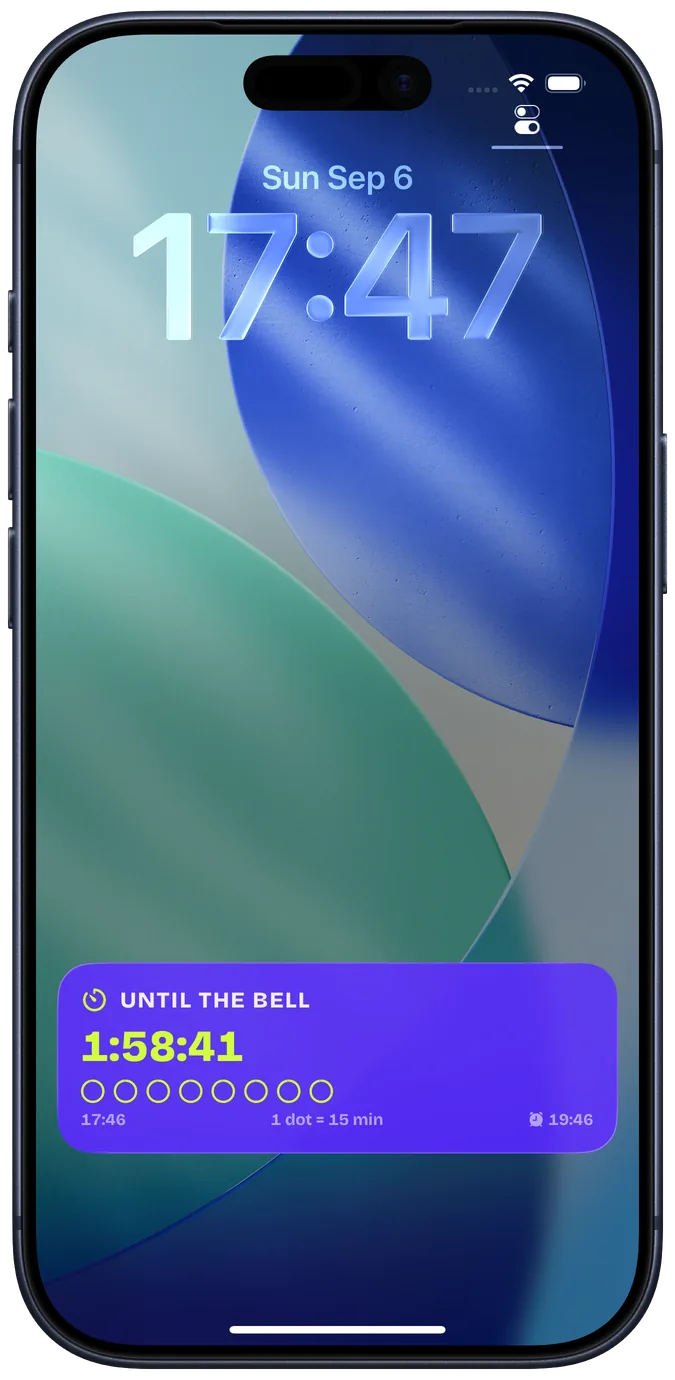
Set it once. It shows up when it matters.
A counter is the thing you are inside of — the school day, the shift, the workout, the fast. HomeStretch watches the end of it for you.
Make a counter
Pick a template — School day, Shift, Workday, Workout, Fast — or start from scratch. Repeating on the weekdays you choose, or one-off.
Say when it ends
That is the whole setup. Choose how long the home stretch should be: anything from 15 minutes to 7 hours 45.
The countdown appears by itself
When the end gets close, a Live Activity shows up on the Lock Screen and in the Dynamic Island, counts down, and goes away when you have made it.
Wherever your eyes already are.
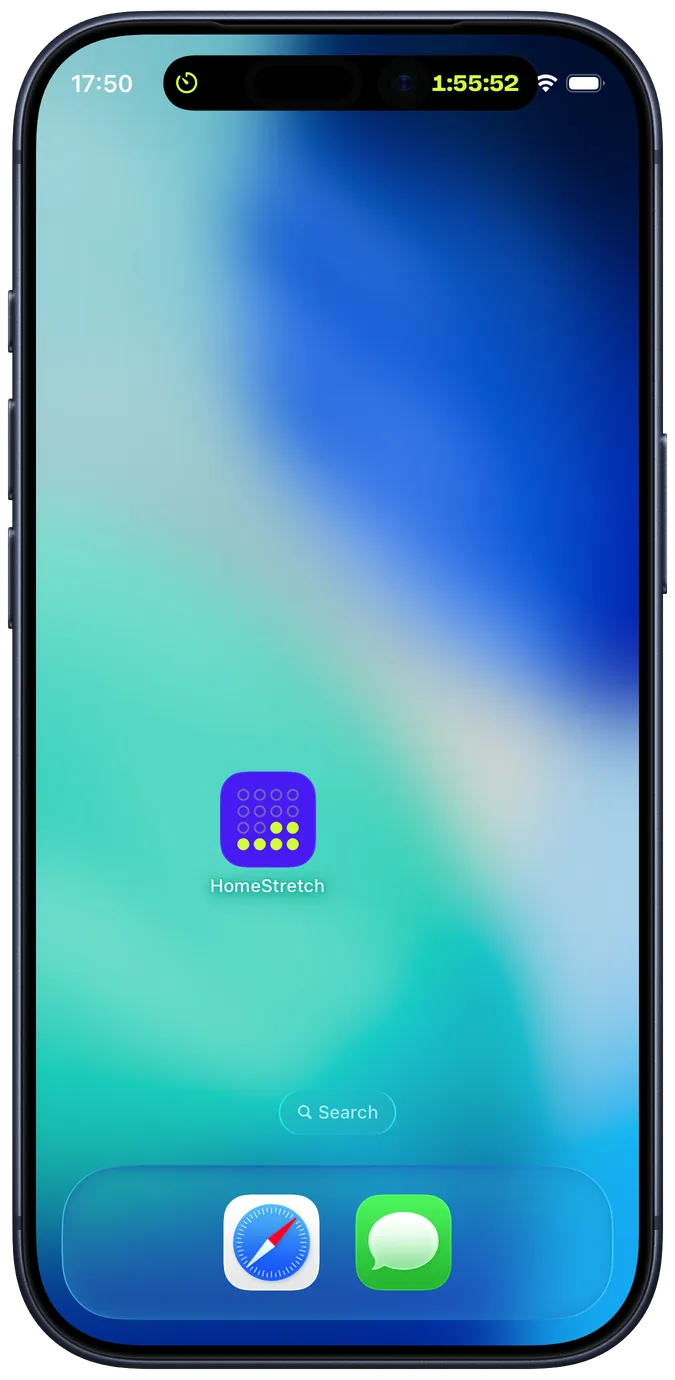
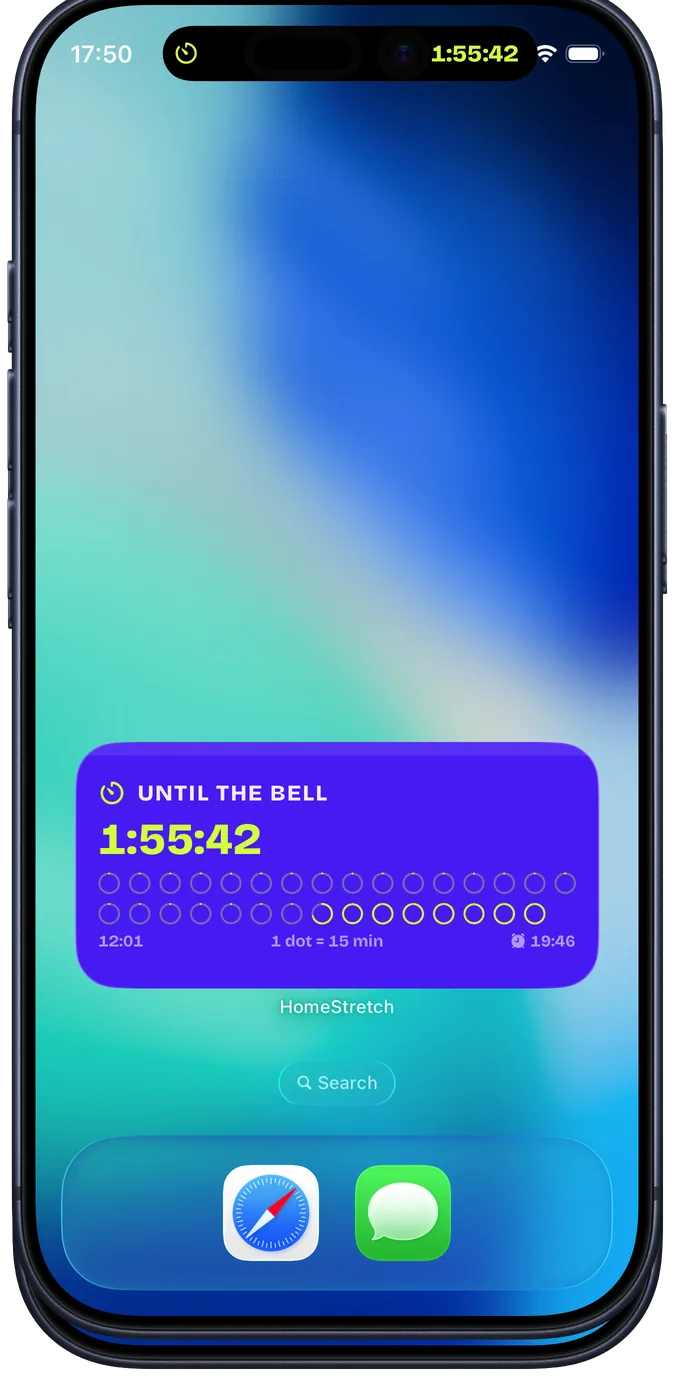
The same card on the Lock Screen, in the Dynamic Island and on the Home Screen — and wherever iOS mirrors Live Activities, including the Apple Watch Smart Stack and StandBy.
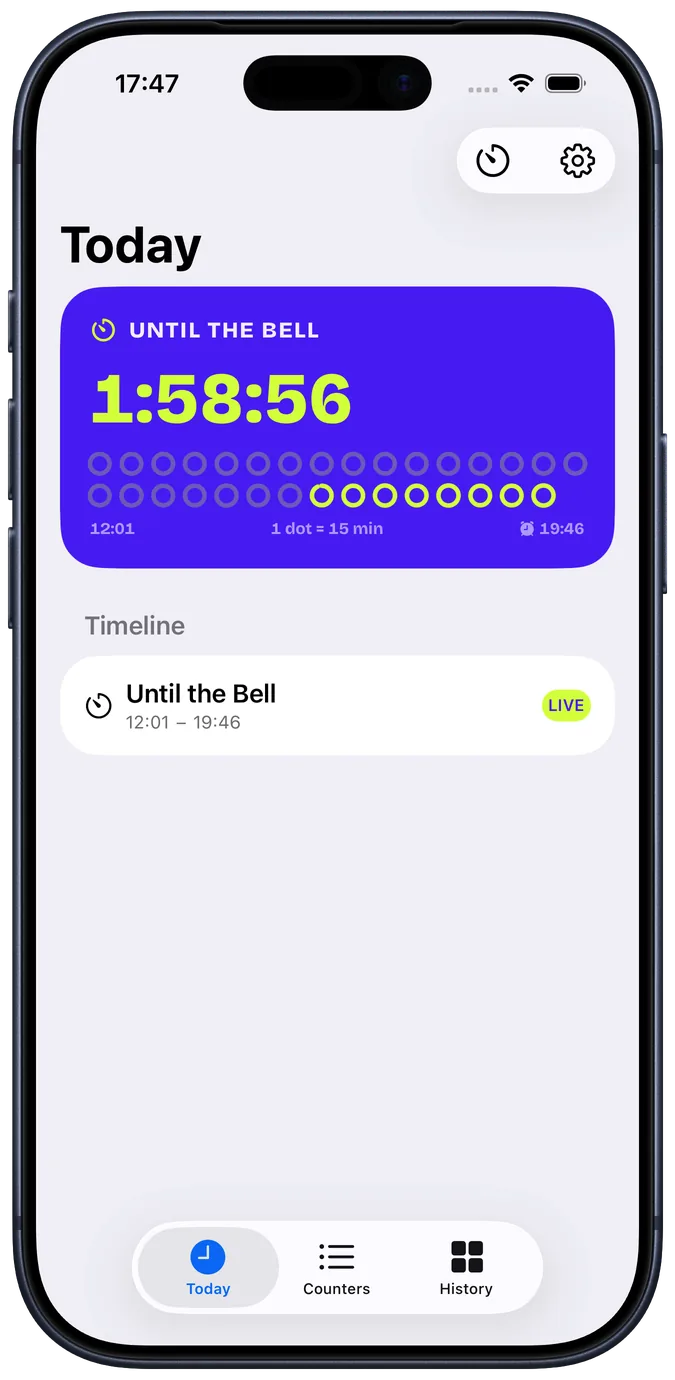
Pick how the time looks.
Every card below is counting down right now. Digits and dots come free; bar, ring and the sentence you write yourself are part of Pro. Tap a palette:
Digits
Dots
Bar PRO
Ring PRO
Sentence PRO
No background tricks.
iOS ends every Live Activity after eight hours, so a home stretch is at most 7 hours 45 minutes long. If the end is days away, a widget carries the countdown until then, and the Lock Screen takes over by itself when the home stretch begins.
HomeStretch does not run while you are not looking — and it does not need to. The countdown you see is drawn by iOS from a start and an end time; nothing ticks in the background.
Free is enough for the one thing you count down every day.
HomeStretch Pro is for people with more than one home stretch — and for the styles, palettes and shortcuts that make it yours.
Free
- One counter
- Digits and dots styles
- Three palettes
- One widget configuration
- Lock Screen, Dynamic Island, Watch and StandBy — all of it
Everything you need to try it for real.
HomeStretch Pro
- Unlimited counters
- All six styles, including bar, ring, sentence and the LED clock
- All six palettes
- Your own sentence templates around the countdown
- Siri Shortcuts and a Control Center button
- End a countdown with an alarm that rings through Silent mode and Focus
Yearly with a 7-day free trial, Monthly, or Lifetime as a single purchase. Prices in your own currency are shown in the app before you buy.
Your day is your business.
Nothing to sign up for. Open the app, make a counter, done.
The only thing that leaves your phone is a purchase receipt, so Apple and RevenueCat can confirm Pro.
Settings → Delete all data clears every counter and the history. Deleting the app does the same.
Put your home stretch on the Lock Screen.
Available now. Free to start, no account.